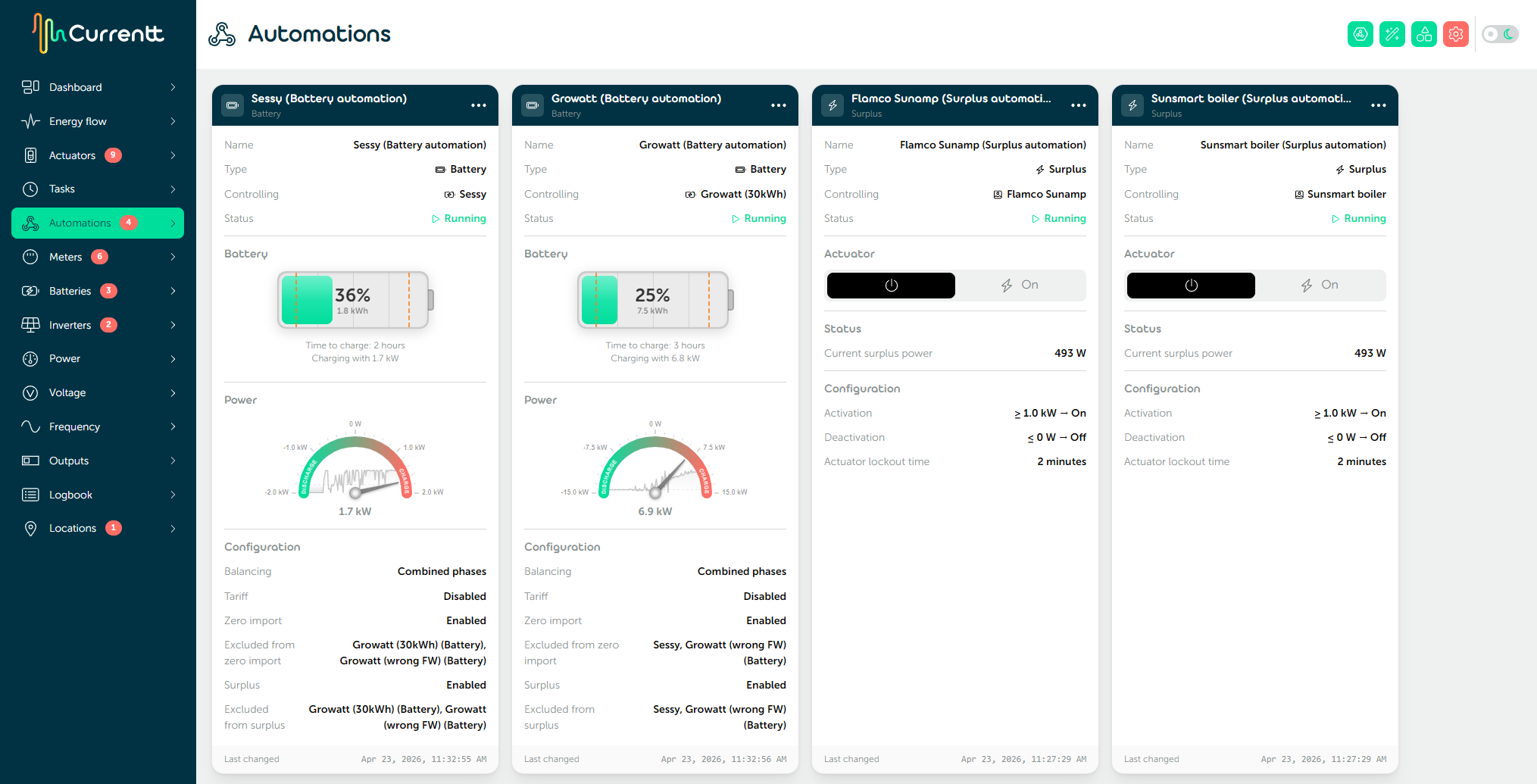
Automations
Automations make the system smart and assure that Currentt works as intended by the client.
💻 Starting the local web application
To set up automations, your phone or laptop must be connected to the same network as the Navigator. This means your phone or laptop must be connected to the same WiFi network or to the same router.
If this is the case, you can access the local web application by navigating to currentt.local in your browser.
An alternative method is to go to the Manage option on the Navigator's screen. A QR code will then appear that you can scan. The code directs the browser to the Navigator's local IP address.