Configuration via components
In addition to the automatic installation wizard (which is recommended), it is also possible to configure the Navigator manually.
⚙️ Components
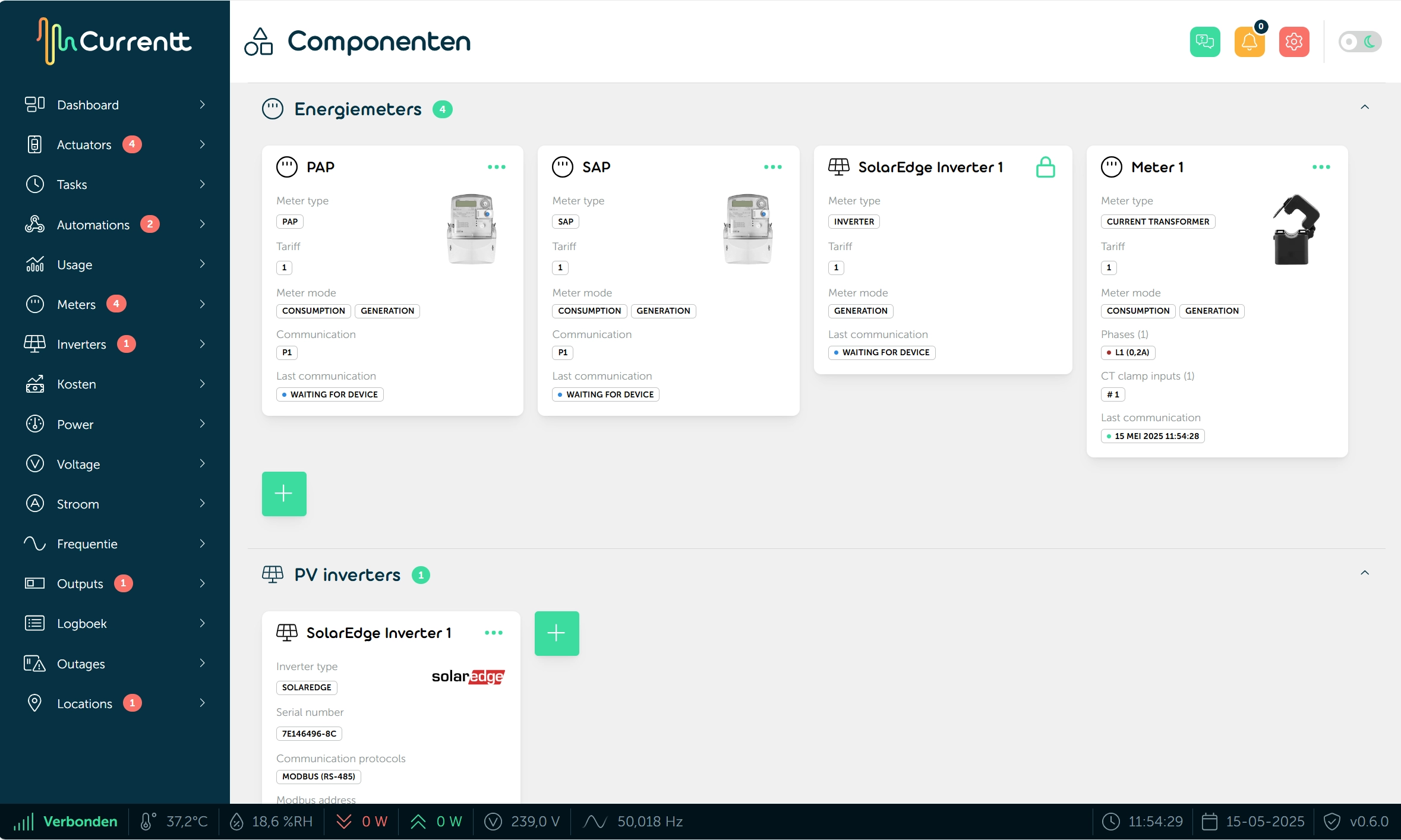
The manual configuration is available via Dashboard → Components. Here you can add and configure the desired devices one by one.
Adding/changing a device
If you want to add a device after the initial installation or change the configuration of a device, you can also do that via the components.