Install
Start by connecting the Navigator in the customer's meter cabinet. Then connect the devices, such as the inverter, battery, heat pump, EV charger, and meters. After that, connect the Navigator to the internet.
🧭 Currentt Navigator
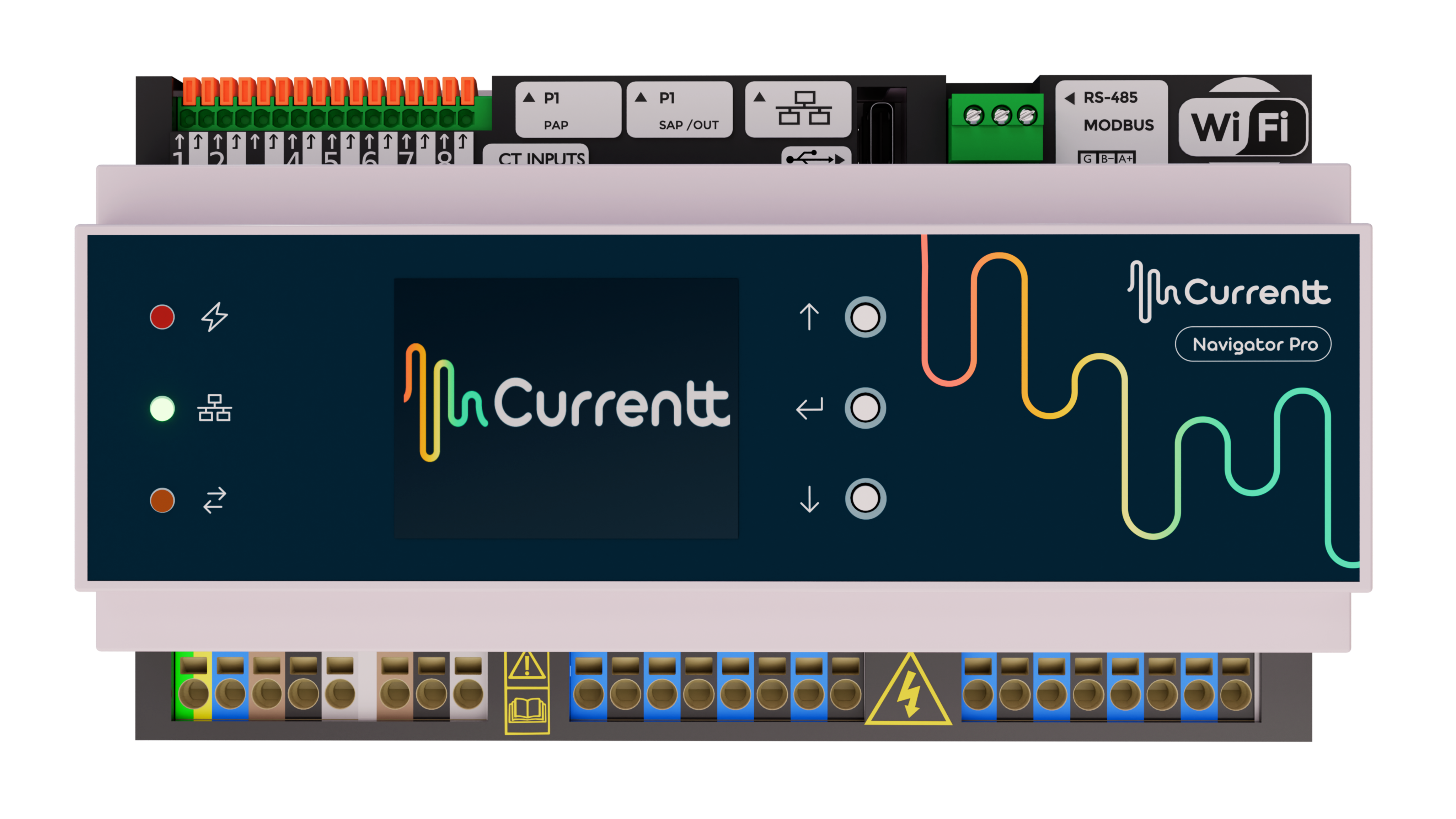
The Currentt Navigator is a DIN-rail module of 9 units (9TE) wide and must be installed by a qualified installer in a meter cabinet or other type of DIN-rail enclosure.
Status and controls
The front of the Navigator holds the status indicators, the LCD screen and the control buttons. You use the control buttons to navigate through the menus on the screen.
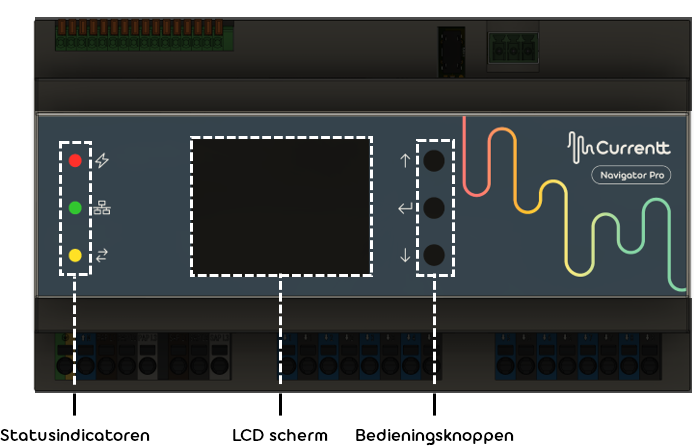
🔴 Red: Device status
- On continuously: Power OK
- Blinking rapidly: Problem detected
- Slowly fading out and in: Configuration mode active (device is being configured)
- Off: No power (device switched off)
🟢 Green: Network connection status
- On continuously: Connection active
- Off: Connection lost
🟡 Yellow: Communication
- Blinking: Communication with the Currentt platform active (information is being exchanged)
- Off: No communication taking place