Internet connection
The next step is to set up an internet connection. This can be done in two ways:
- Connection via Ethernet cable (recommended)
- Connection via WiFi
Preferably use an Ethernet cable to connect to the internet. For a WiFi connection, the Navigator creates a temporary network of its own. Through that network, the customer's WiFi network can be configured.
🔗 Connection via ethernet cable
The preferred method is to connect the Navigator to the network using a cable. In this case, the Navigator will automatically be assigned an IP address and the connection will often work right away.
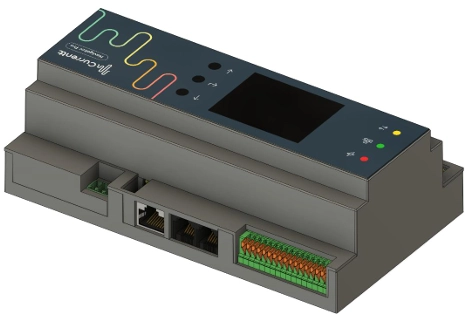
If there is no immediate internet connection via the Ethernet cable, there may be restrictions on the network, such as MAC address filtering. These restrictions must be lifted by the network administrator.
🛜 Connection via WiFi
The customer's WiFi network name and WiFi password must be known beforehand.
When the Navigator is not connected via an Ethernet cable, WiFi configuration mode will start. The Navigator creates its own temporary WiFi network named Currentt.
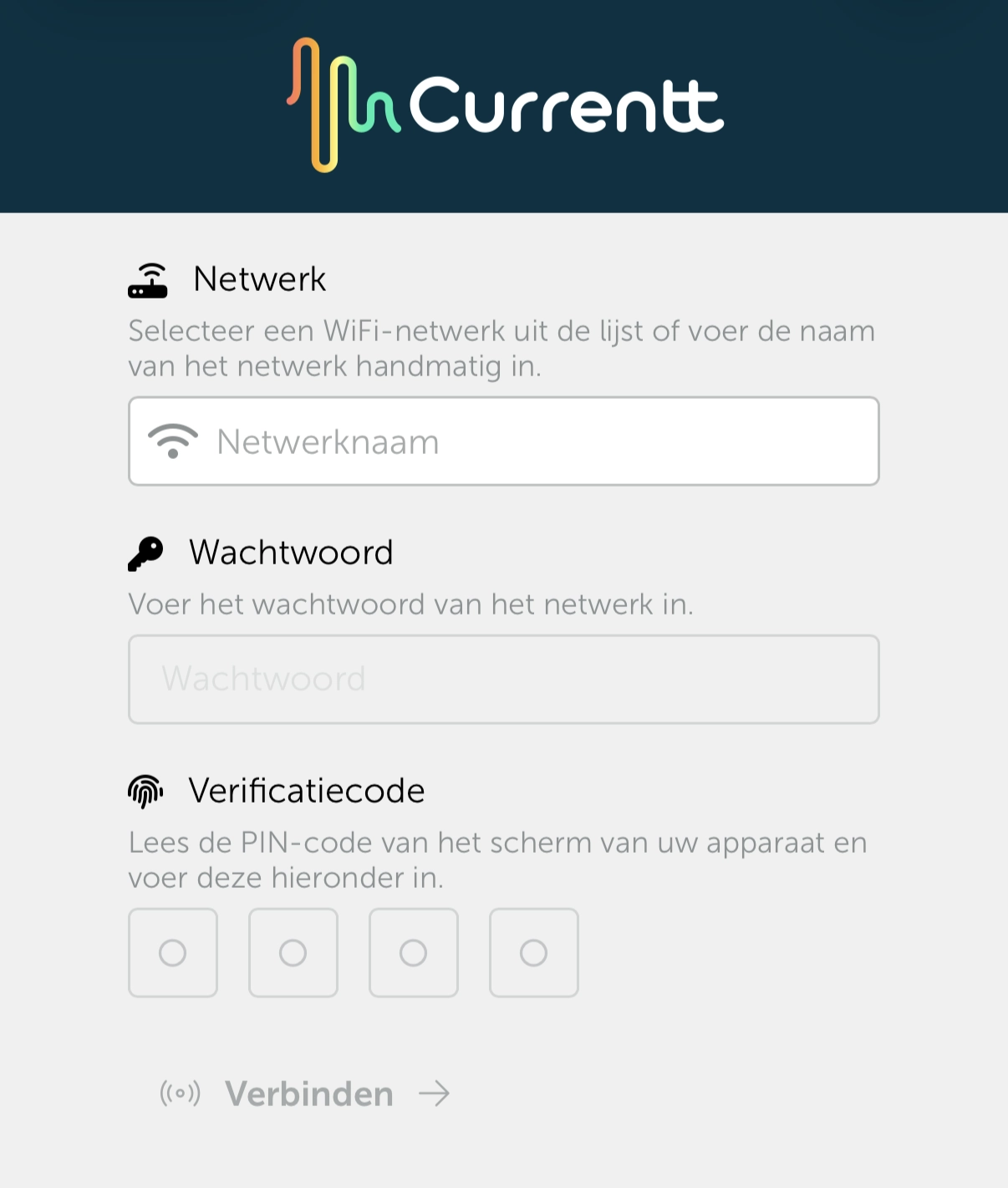
By connecting to this temporary network with a phone or laptop, a configuration page will appear on the phone or laptop that allows you to connect the Navigator to the customer's WiFi network.
On the configuration page, select the customer's WiFi network and log in with the WiFi network password.
Then, using a PIN code on the Navigator, the WiFi network can be linked.